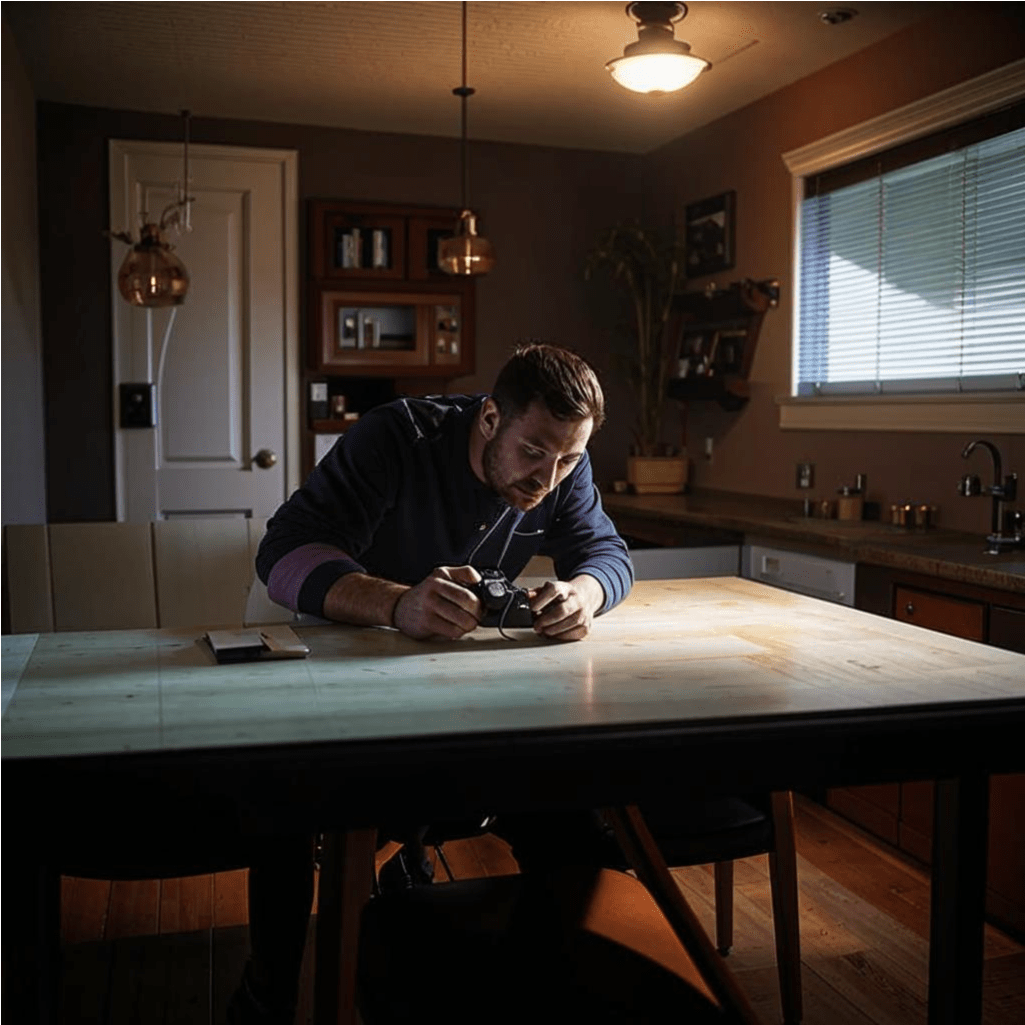
Installing and using surveillance devices can be straightforward if you follow the right steps.
Here are some tips and step-by-step instructions for various types of devices:
1. Hidden Cameras
Step-by-Step Instructions:
-
Choose the Right Location: Select a spot that provides a clear view of the area you want to monitor. Common places include bookshelves, clocks, or smoke detectors.
-
Install the Camera: Follow the manufacturer's instructions to install the camera. Ensure it is securely mounted and well-hidden.
-
Connect to Power: If the camera requires a power source, plug it in and ensure the cables are concealed.
-
Set Up Recording: Configure the camera to start recording. Some cameras offer motion detection, which can save storage space.
-
Test the Camera: Check the camera's feed to ensure it captures the desired area and adjust if necessary.
Recommendations:
-
Use high-resolution cameras for clearer images.
-
Ensure the camera is well-hidden to avoid detection.
-
Regularly check and maintain the camera to ensure it functions properly.
2. Audio Recorders
Step-by-Step Instructions:
-
Select the Device: Choose an audio recorder that suits your needs, such as a pen recorder or a USB flash drive recorder.
-
Place the Recorder: Position the recorder in a location where it can clearly capture conversations. Common places include desks, bags, or pockets.
-
Activate the Recorder: Turn on the recorder and ensure it is set to record. Some devices have voice activation features.
-
Retrieve and Listen: After recording, retrieve the device and listen to the captured audio.
Recommendations:
-
Ensure the recorder has sufficient battery life for the duration of the recording.
-
Use devices with noise reduction features for clearer audio.
-
Regularly check the device to ensure it is functioning correctly.
3. GPS Trackers
Step-by-Step Instructions:
-
Choose the Tracker: Select a GPS tracker that meets your requirements, such as a vehicle tracker or a personal tracker.
-
Install the Tracker: Place the tracker in a discreet location, such as under a car seat or in a bag.
-
Activate the Tracker: Turn on the tracker and ensure it is connected to the tracking system.
-
Monitor the Location: Use the tracking software or app to monitor the location in real-time.
Recommendations:
-
Ensure the tracker has a strong signal and is not easily detectable.
-
Use trackers with long battery life or connect them to a power source.
-
Regularly check the tracker to ensure it is working properly.
4. Wi-Fi Cameras
Step-by-Step Instructions:
-
Select the Camera: Choose a Wi-Fi camera that suits your needs, such as an indoor or outdoor camera.
-
Install the Camera: Mount the camera in a location that provides a clear view of the area you want to monitor.
-
Connect to Wi-Fi: Follow the manufacturer's instructions to connect the camera to your Wi-Fi network.
-
Set Up the App: Download the camera's app on your smartphone or computer and follow the setup instructions.
-
Monitor the Feed: Use the app to view the live feed and configure settings such as motion detection and alerts.
Recommendations:
-
Use cameras with high resolution and night vision for better monitoring.
-
Ensure the camera is placed in a secure location to prevent tampering.
-
Regularly update the camera's firmware to ensure security and performance.
By following these steps and recommendations, you can effectively install and use surveillance devices to monitor your home or office. Always ensure you comply with local laws and regulations when using these devices.
We offer you our eavesdropping devices - https://spy-il.com/shop, which can help you in everyday life without harming your relationships with the law and people.